Best Photo Editors for Car Photography

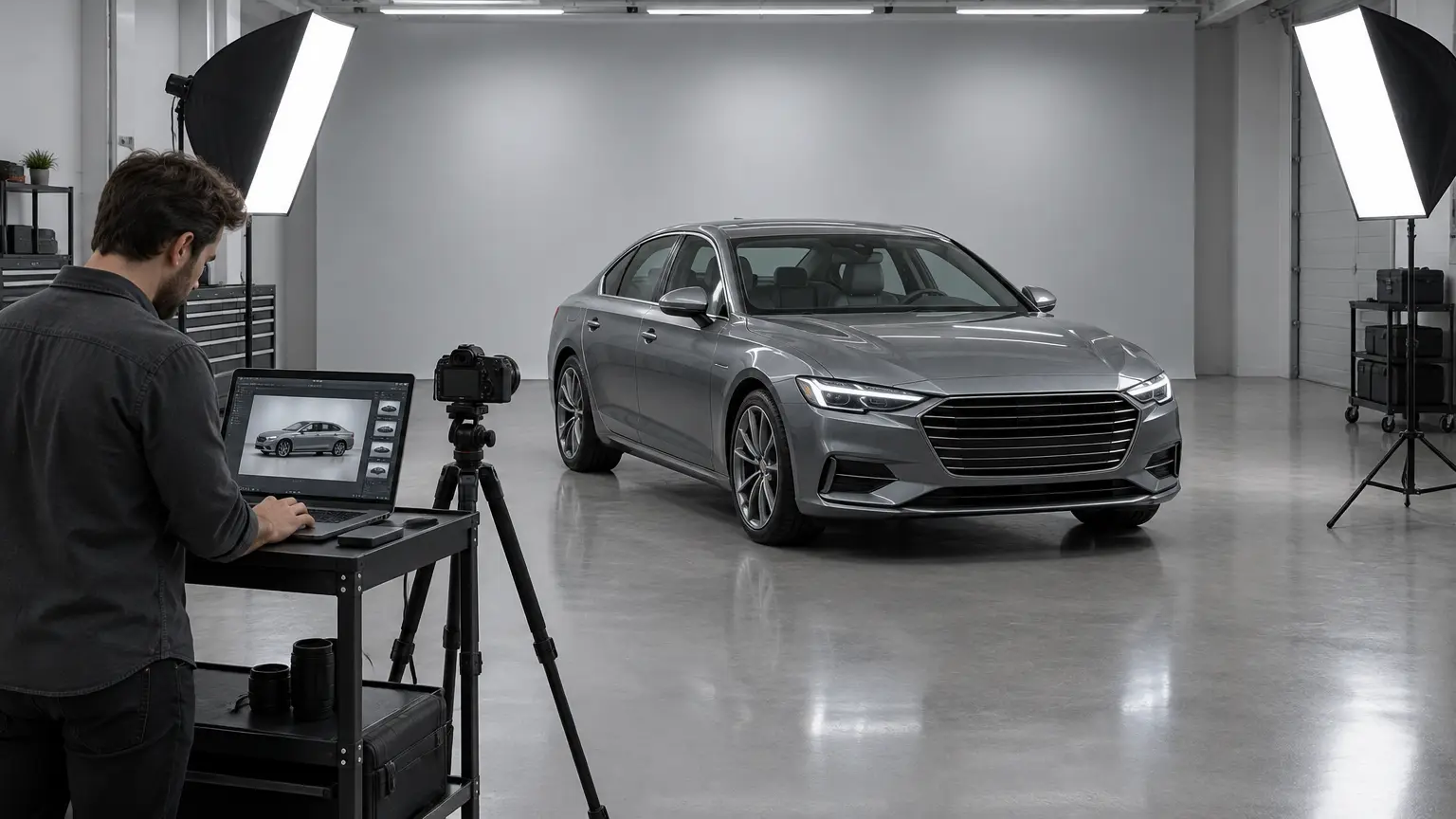
A car can look impressive in person and still make a poor first impression in an online listing. Harsh sunlight creates distracting reflections across the hood, a busy parking lot pulls attention away from the vehicle, and dull lighting makes the paintwork look different from reality. That is why car sellers should know how to edit car photos to maintain a successful business.
You don’t need a professional studio or expensive camera equipment to achieve this. The right photo editor can help you improve lighting, refine colors, remove distracting surroundings, and create a consistent set of images. In this comparison, we look at several photo editors with different strengths from the car photography perspective, from creative control to automated showroom-style images.
1. Luminar
As a car photo editor, Luminar works for sellers who want to improve a vehicle’s overall appearance without relying on ready-made showroom scenes. Available for Windows and macOS, as well as iOS, Android, and the web in specific plans, it works as a standalone editor and as a plugin for compatible photo applications. Its tools let you adjust light, color, contrast, and detail to suit different paint finishes and shooting conditions.
One notable part of Skylum’s technology is Luminar Engine, an offline image-processing SDK for businesses. It supports capabilities such as RAW processing, lens correction, exposure adjustments, and HDR merging.
To learn about the exact prices in your region and available Engine offers, check the official website.
|
Pros |
Cons |
|
Luminar helps sellers fine-tune lighting and color to bring out a car’s design while keeping its appearance realistic. |
Sellers who mainly need automatic showroom backgrounds may find a dedicated automotive editor more convenient. |
|
Its creative controls suit private listings and enthusiast sales where distinctive images can help a vehicle stand out. |
Matching the same look across a large inventory may require more hands-on work than a specialized workflow. |
|
Its desktop and mobile options give sellers flexibility when preparing listing photos. |
The free option is available only on the web, and its toolkit is limited. |
2. Car Studio AI
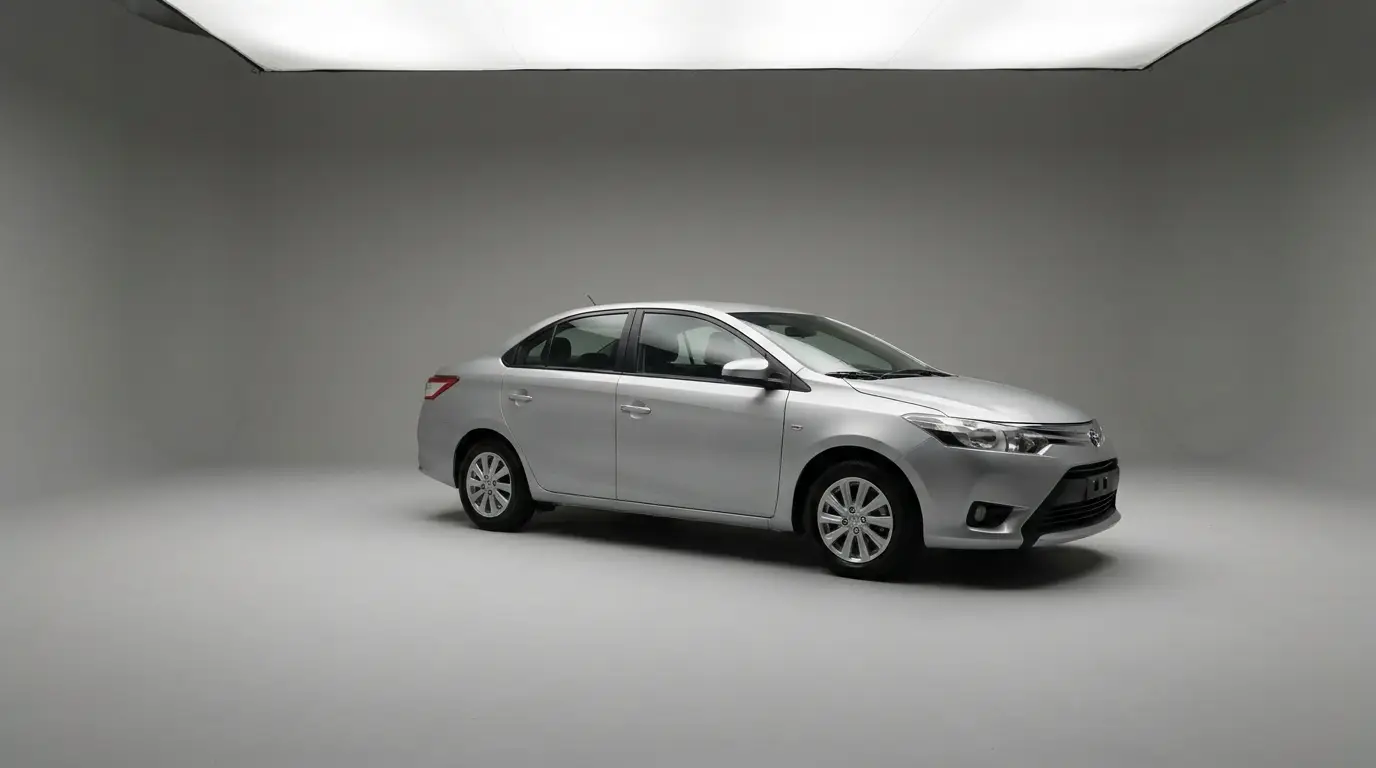
Car Studio AI is designed for sellers who photograph cars on driveways, in parking lots, or on dealership premises. It is an AI-based tool you should choose if you need car photo editing for clean, uniform listings without creative extras. Its AI tools replace backgrounds and add realistic shadows, producing showroom-style visuals without manually rearranging the setup. It is available on the web, iOS, and Android.
The exact price depends on your region and the amount of credits you need.
|
Pros |
Cons |
|
Car Studio AI can replace distracting surroundings with cleaner settings. |
Its emphasis on automated studio-style presentation offers less creative flexibility than a general-purpose editor. |
|
License plate masking and custom branding options help dealerships prepare images for their own listings. |
There are no dedicated controls for paint color, reflections, and selective adjustments. |
|
Its specialized workflow reduces the need to build a showroom-style setting manually for every photo. |
The credit-based subscription plans may be inconvenient for private sellers who only need to prepare a few images. |
3. CarShots
This program ensures quick automotive photo editing without compromising the images’ quality. It ensures consistent and visually appealing listings, which may be especially beneficial for teams that photograph several cars in a day. Sellers can also download a complete vehicle gallery, which simplifies the process of preparing images for multiple listing platforms. CarShots offers a browser-based workflow and an iOS app.
|
Pros |
Cons |
|
CarShots offers 20 curated backdrops, helping dealerships keep listing photos consistent even when cars are photographed in different locations. |
There is no Android version for cross-platform workflows. |
|
The guided capture process helps staff maintain consistent framing across a large inventory without specialized photography equipment. |
The workflow does not include direct DMS integration; photos must be downloaded or exported and uploaded through supported methods. |
|
CarShots lets users download individual images or entire vehicle galleries as ZIP files, making it easier to organize photos before uploading a listing. |
Sellers who want extensive manual control over individual details may find its automated editing approach limiting. |
Conclusion
The best editor is the one that fits your sales process, not necessarily the one with the most features. Before committing to a subscription, test how each tool handles your actual vehicle photos, including dark interiors, reflective paint, and uneven backgrounds. Pay attention to export quality, processing time, and how easily you can prepare images for the platforms where you list cars. Compare the available plans and try the workflow that matches your needs. With the right editor, you can build a more polished, trustworthy presentation that helps potential buyers focus on the vehicle itself.