Handheld Scanner Buyer’s Guide: What Professionals Need to Know

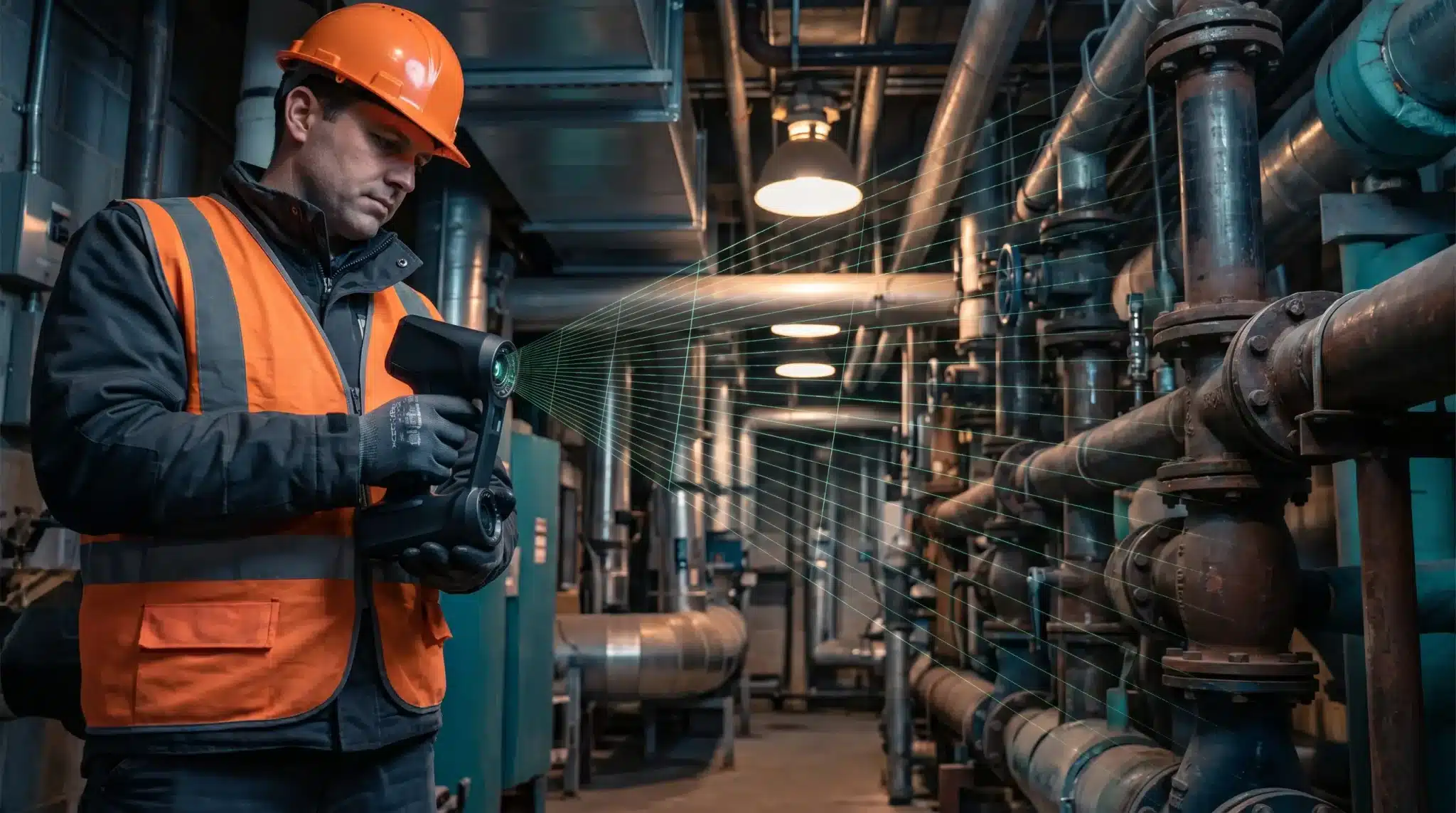
In my field experience, the transition from tripod-mounted systems to portable 3D scanning has fundamentally changed how we approach rapid as-built documentation. I’ve tested handheld scanners in environments ranging from tight mechanical rooms to complex heritage sites where traditional setups would have tripled the project timeline. The key is understanding that “portable” does not mean “entry-level.”
What to Look for in a Professional Handheld Scanner
When evaluating a handheld scanner, accuracy is the primary bottleneck. While hobbyist tools offer “visual” 3D models, professional work requires sub-millimeter point cloud accuracy to be viable for a scan-to-BIM workflow. Beyond accuracy, pay close attention to the IP rating; a field measurement device must survive the dust of a construction site or the humidity of an industrial plant.
- Accuracy (mm): Look for volumetric accuracy specs, typically ±0.02mm to ±0.1mm for metrology-grade work.
- Scan Speed (pts/s): High-end models exceed 1,000,000 points per second to minimize operator fatigue.
- Weight: Anything over 1.5kg will significantly impact data quality toward the end of an 8-hour shift.
Handheld vs. Tripod-Mounted Scanners: When Portability Wins
I often get asked if a 3d handheld scanner can replace a terrestrial laser scanner (TLS). The answer depends on your environment. While a Leica or Trimble TLS offers superior range, a handheld 3d scanner excels in confined spaces and complex geometries where line-of-sight is constantly obstructed.
|
Scanner Type |
Recommended Use Case |
Accuracy Level |
Workflow Speed |
|
Handheld Scanner |
Confined spaces, MEP, rapid as-builts |
0.05mm – 1mm |
Very High |
|
Tripod-Mounted |
Large sites, high-precision facades |
1mm – 3mm (long range) |
Medium |
|
Pole-Mounted |
Vertical shafts, manholes |
5mm – 10mm |
High |
Software Integration and Output Formats
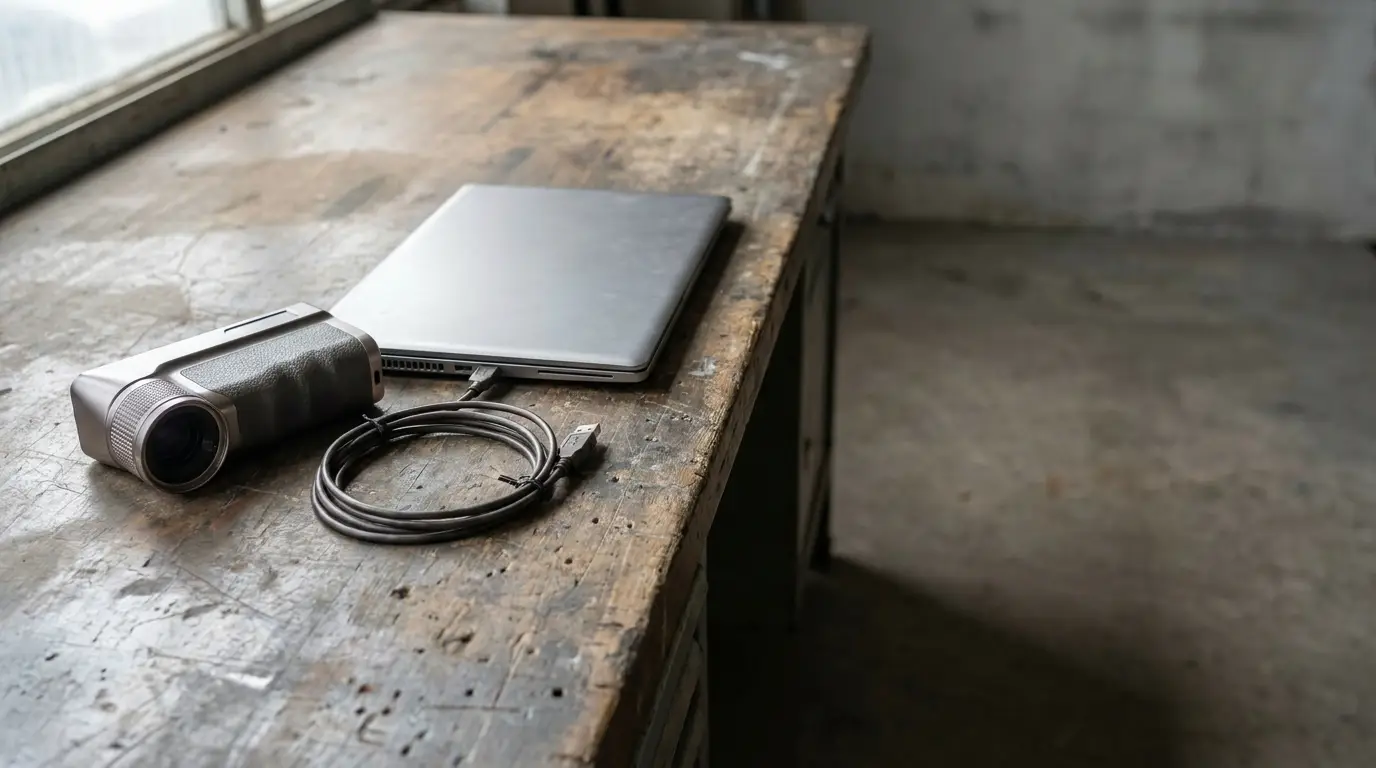
The hardware is only half the battle. A professional handheld 3d laser scanner must integrate seamlessly with your existing software stack. In my experience, the most critical factor is the ability to export clean .e57 or .las files without proprietary “locking” that forces you into expensive annual subscriptions. Efficient portable 3d scanning relies on how quickly that raw data converts into a usable BIM model.
4-Step Accuracy Evaluation in the Field
- Reference Targets: Place calibrated spheres or stickers at known distances.
- Cross-Check: Compare a physical measurement (caliper/tape) with the digital distance in the software.
- Loop Closure: Scan in a full circle and check for “drift” where the start and end points meet.
- Noise Check: Analyze flat surfaces for “fuzziness” in the point cloud.
Expert Tip: Never buy a 3d scanner handheld based on the “ideal conditions” datasheet. Always request a raw data sample from a dark or reflective surface, as these are the environments that break low-quality sensors.
To ensure you have the right tool for your specific project constraints, it is essential to consult a comprehensivehandheld scanner guide that compares metrology-grade performance.