3 Tips to Improve Internet Connectivity in Your Home

Modern home improvement is more than just building a shelf or finding the perfect paint job. Today, it’s also about creating a space that works well with the gadgets inside your home. That all starts with your internet connection, which is vital for running everything from your smartphone to your TV’s streaming service. Here are three handy tips that can boost your home’s internet connectivity.

1. Position Your Router as High as You Can
Ensuring you have a stable internet connection is more important than ever, and sometimes it’s as easy as moving your router. Having good internet has quietly become a necessity, used for more than just finding entertainment. It can indeed help users find content that they wouldn’t have found before, like videos posted on social media or the themed slot games at a trusted Irish online casino. At the same time, the internet has also become necessary to access information, job opportunities, and even to conduct work itself.
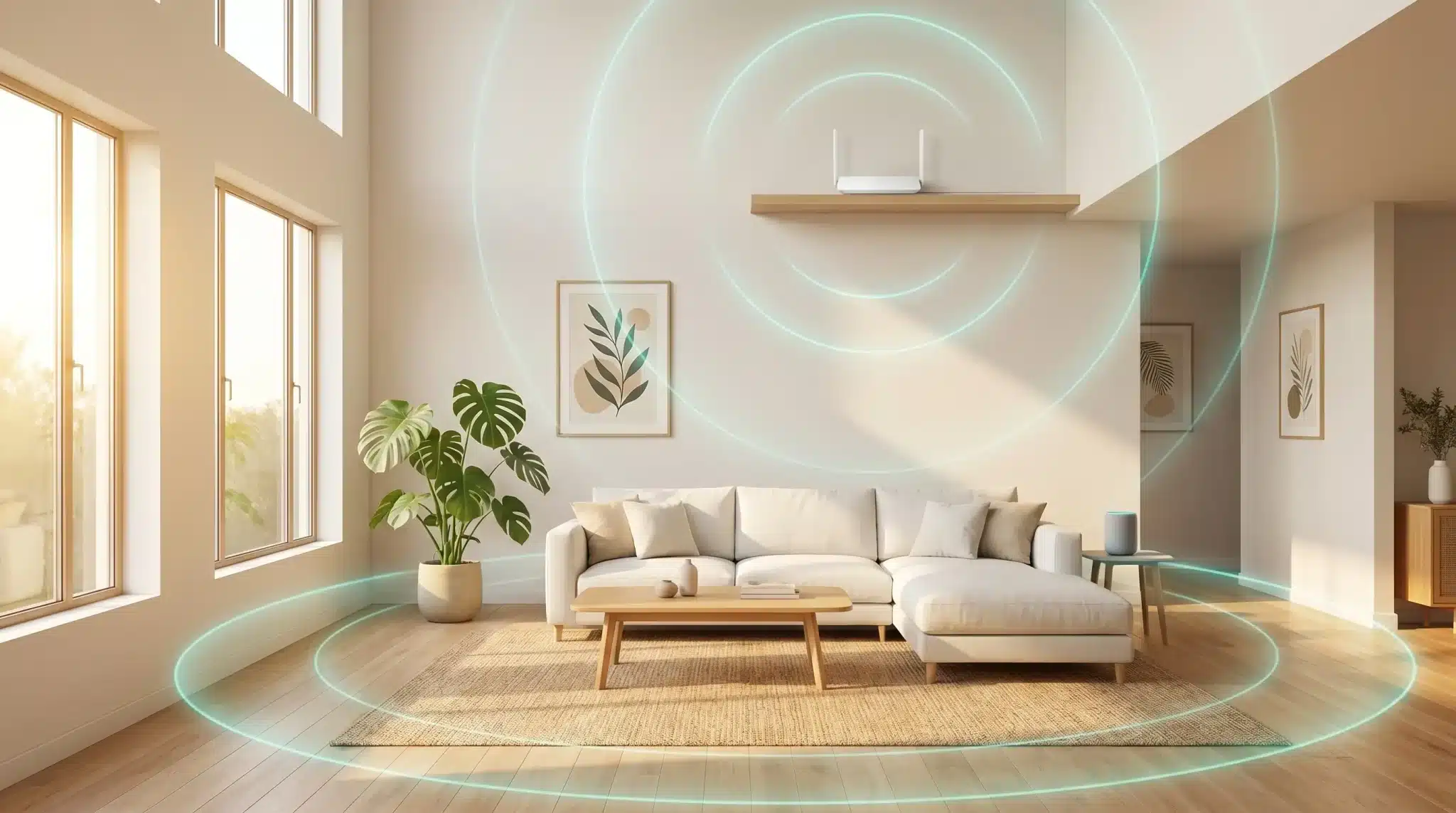
So, if you rely on a stable internet, you should put your router in an elevated position. Do not put the router on the floor. Routers work by sending Wi-Fi in most directions, so you don’t want to send half that output straight into the ground. Instead, find a nice shelf to place it on. Avoid putting it behind or obscured by concrete and other heavy constructs that block Wi-Fi. You should also keep it far from your kitchen, for reasons that’ll become evident in our third tip.
2. Expand Your Internet Connection Outside
DIY often focuses on landscaping and other garden projects. If that’s you, then you may want to expand your internet connection to your new garden space. Many would buy a second router here, but that may not be necessary. You can get specially made outdoor access points that are tougher than a router and will carry your original router’s network outside.
Like the router, these work best when elevated. That’s why most outdoor access points get mounted under any overhangs, whether that’s the eaves of your home or the covering of a patio. The devices themselves are made to withstand the elements but covering them provides extra protection and peace of mind.
3. Split Smart Appliances Using Gigahertz Bands
If your home is smarter than most, with lots of small devices like speakers, lightbulbs, and kitchen equipment that connect to your phone, then you’ll want to know about gigahertz bands. By default, your router is split between the 2.4 GHz band and the 5 GHz band. More modern routers throw in a third band too, at 6 GHz.
If everything runs from the same band, you can get congestion. This slows down your network even though, on paper, your internet speed appears to be fine. The solution is to make sure your Internet-of-Things devices are set to that 2.4 GHz band, while workhorse devices like your phone, computer, and TV are set to the 5 GHz band.
Log in to your router dashboard to make the change. Most routers have smart connection features nowadays, so you may find they’ve been split already. However, sometimes the router makes a mistake. If that’s the case for you, disable the auto-sort feature and move them yourself. It should be as easy as disconnecting your devices and reconnecting them to the 2.4 GHz network.
With these simple tips, it’s possible to upgrade your internet connectivity for free or expand it for relatively little cost!